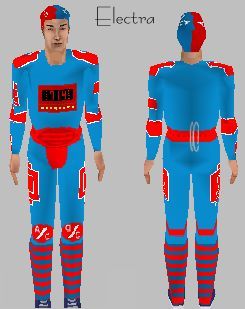
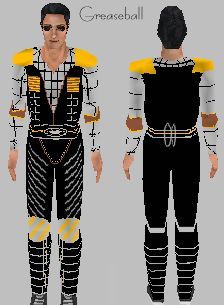
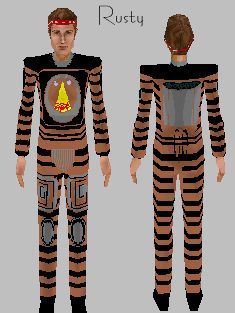
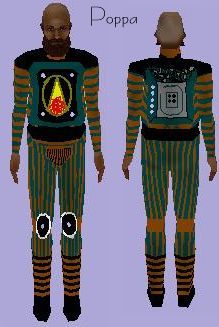
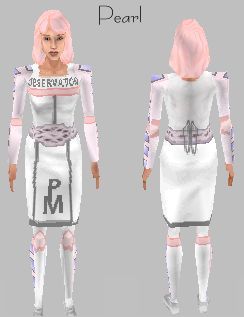
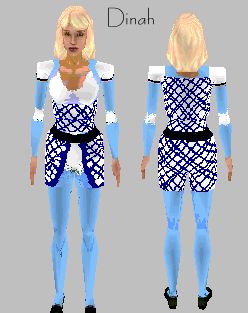
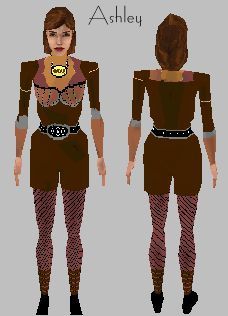
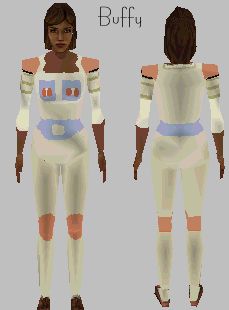
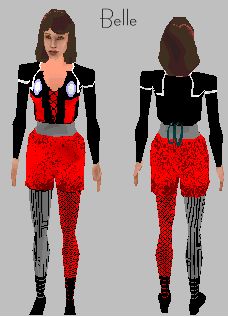
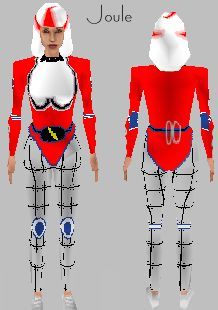
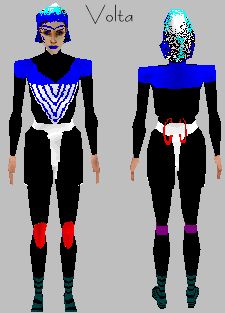
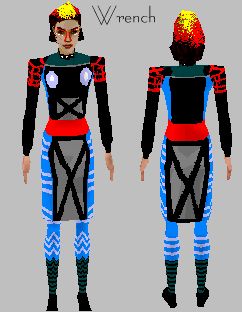
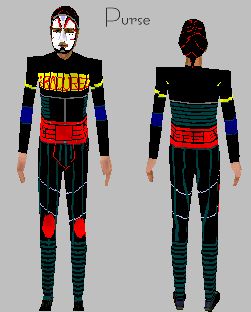
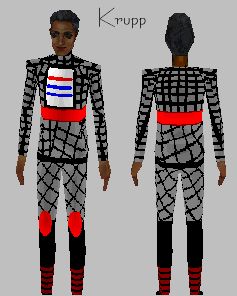
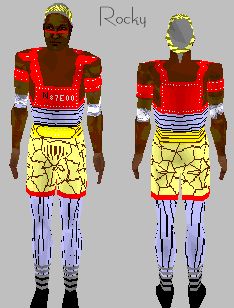
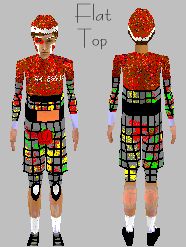
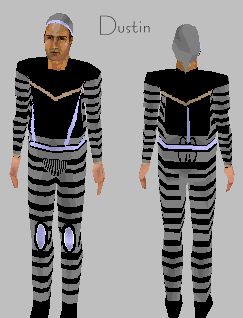
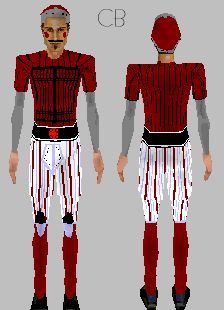
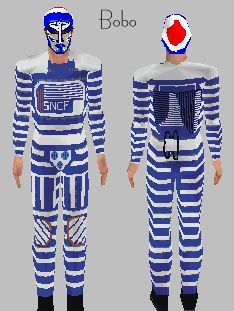
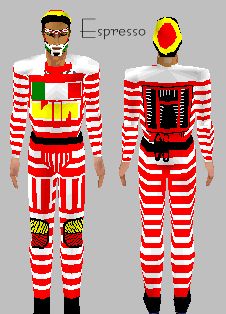
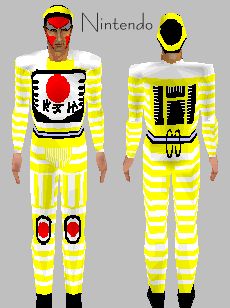
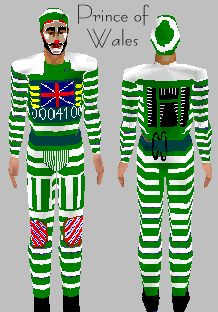
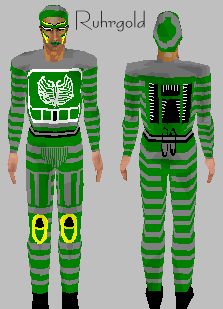
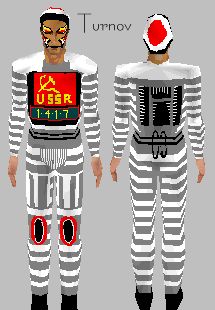
These are the skins that Pally and I have made for the computer game 'The Sims'. To use them in your game, you first need to download the SimShow utility from the official Maxis site. Then, download the skin you want to use, and extract the two files in the zip file (one for the body and one for the head) into the Textures folder of the SimShow installation, choose them on the screen in SimShow, and click 'import into game'.
Click on the picture to download the zip file. Pearl, Joule, Greaseball and Electra are by me, the rest are by Pally of Belle's Domain. On her site she also has these skins in different skin tones.